Why Rails Turbo
Turbo is based on an old concept from the early days of computing — dating back to the 1970s.
The concept is called “dumb terminals,” meaning the computer screen you use is for display only. In the ‘dumb terminal’ world, most of the computing will happen in the cloud.
It is based on an old concept from the early days of computing — dating back to the 1970s. The concept is called “dumb terminals, " meaning that the computer screen you use is for display only. In the ‘dumb terminal’ world, the majority of the computing will happen in the cloud.
For Turbo Rails apps, that means we'll render the HTML on the server, not in the client. When the client & server talk to one another, the server will send "HTML over the wire" (Hotwire) to change out parts of our page.
That's all part of Rails 7. Hot Glue is a tool you can use to build Turbo Rails 7 code very quickly and easily.
Unlike other scaffolding, once built, the code lives in your app and does not depend on Hot Glue. It is yours, and you are free to customize it as you need.
introducing

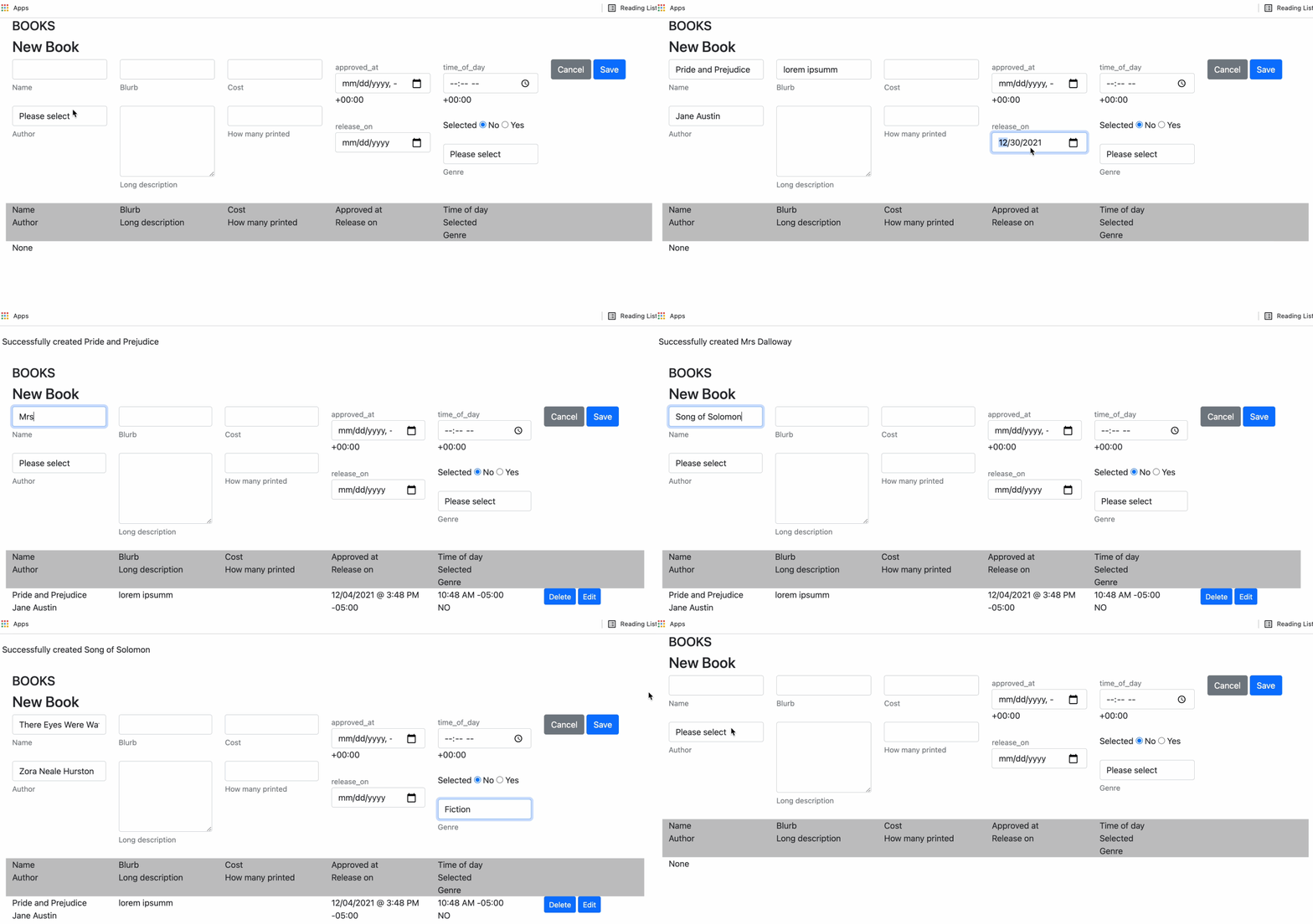
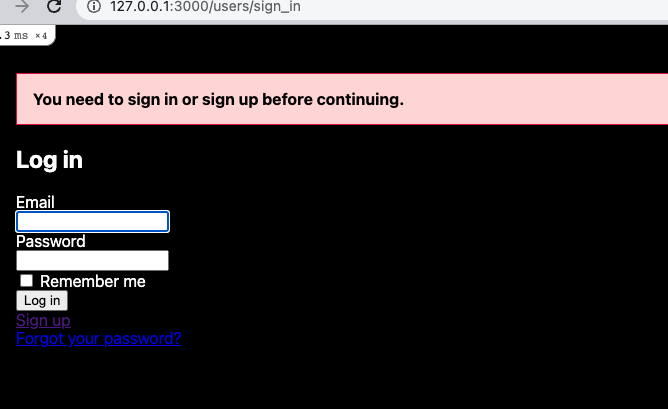
Jump-starting your Rails development with the Devise Gem means the daunting task of authentication is already taken care of for you. Even if you implement your own authentication or pick from the many good authentication gems available, Hot Glue provides a sophisticated access control model for building secure and performant UIs around your existing code.
Build an admin UI based on your existing Rails database design and object graph. Your admin interfaces are highly customizable and come prebuilt with List + CRUD views. Hot Glue automatically knows how to handle all kinds of fields (strings, integers, booleans, dates, times, enums, and relationships too).
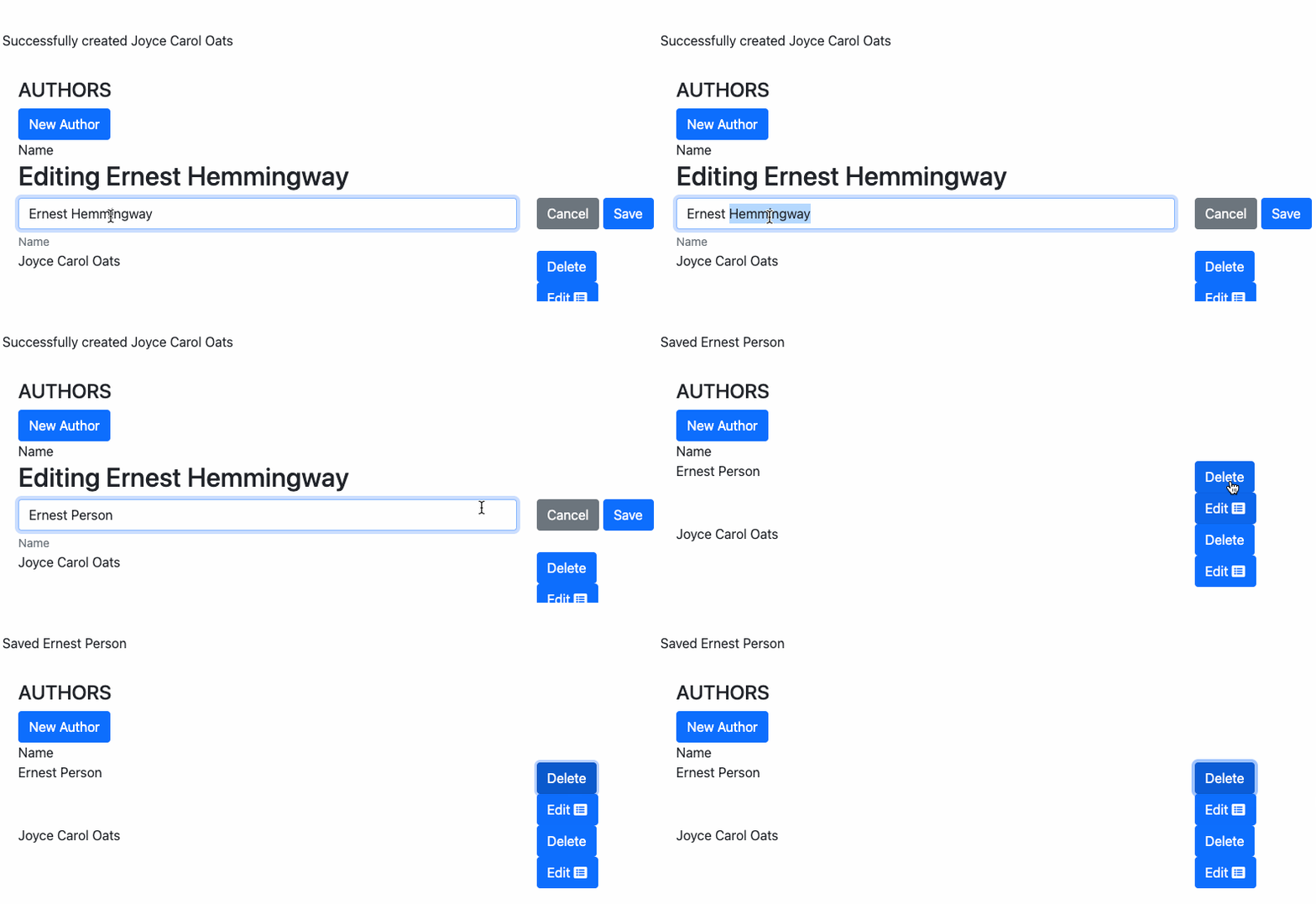
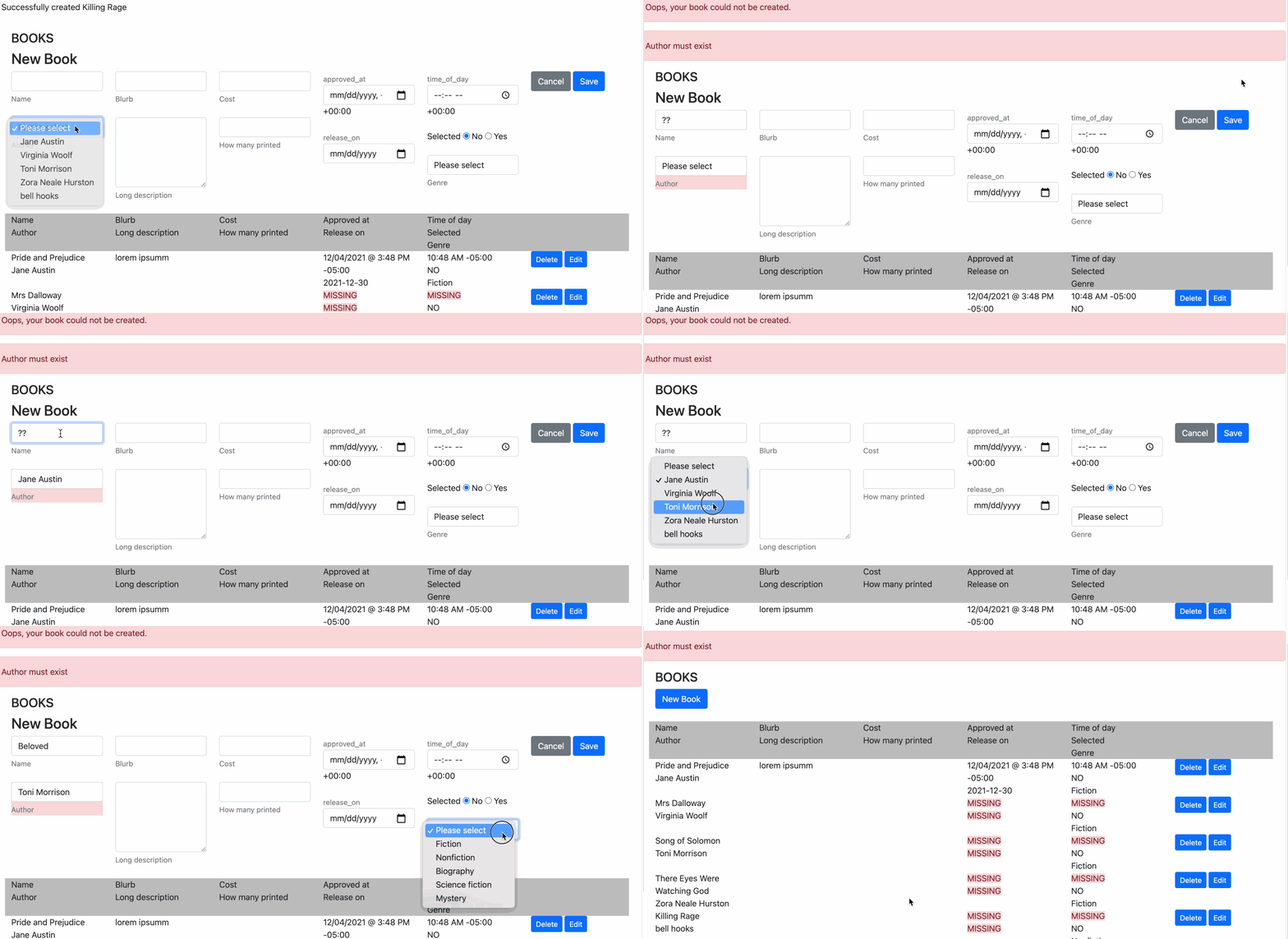
Hot Glue picks up on your foreign keys and displays related records as a drop-down or a typeahead shown by their assigned label. You heard Ruby on Rails was a great way to start your project. You heard that you could move fast and get lots out of the box with minimal upfront cost.
That's all true about Rails on its own, but Hot Glue with Turbo Rails is like all the best of Rails scaffolding on steroids. Benefit today from the years of conceptual compression that the Rails community has advanced.

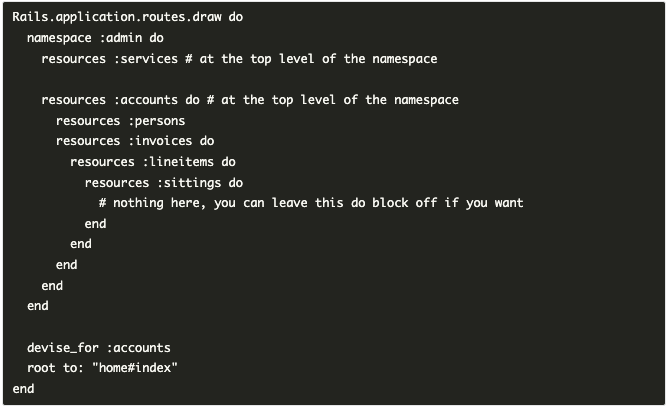
Automatically picks up on the Rails nested routes you define in your config/routes.rb file.
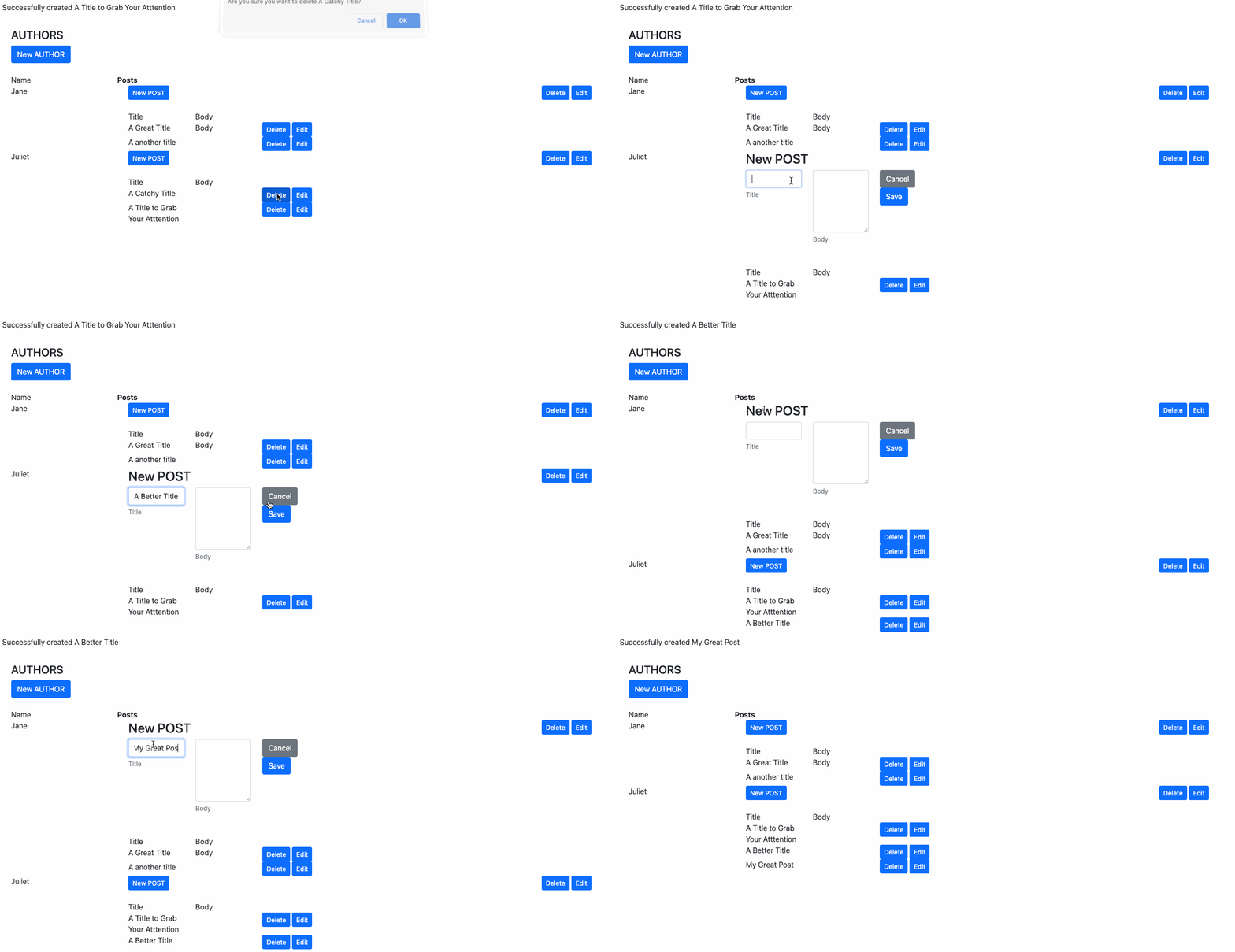
Nest scaffolds within scaffolds to create portals of related records
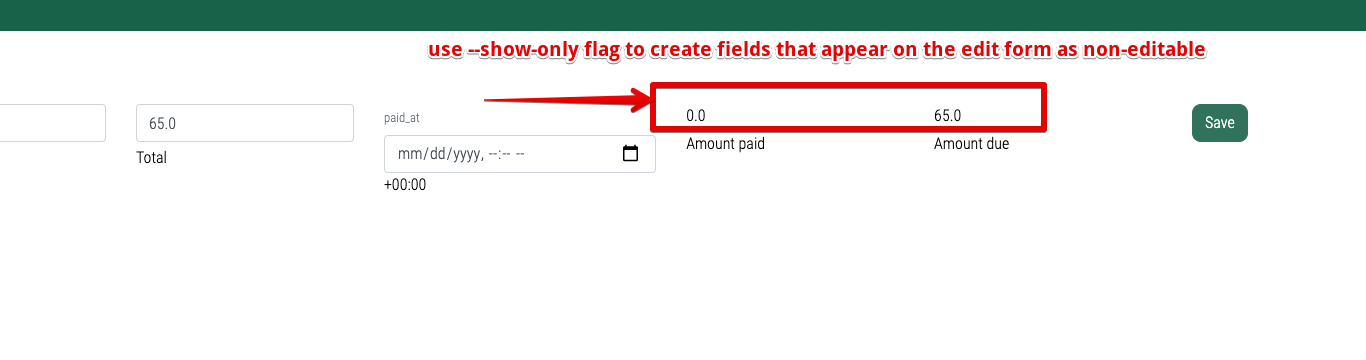
Set specific fields to be visible only (non-editable) for the scaffold you are building.
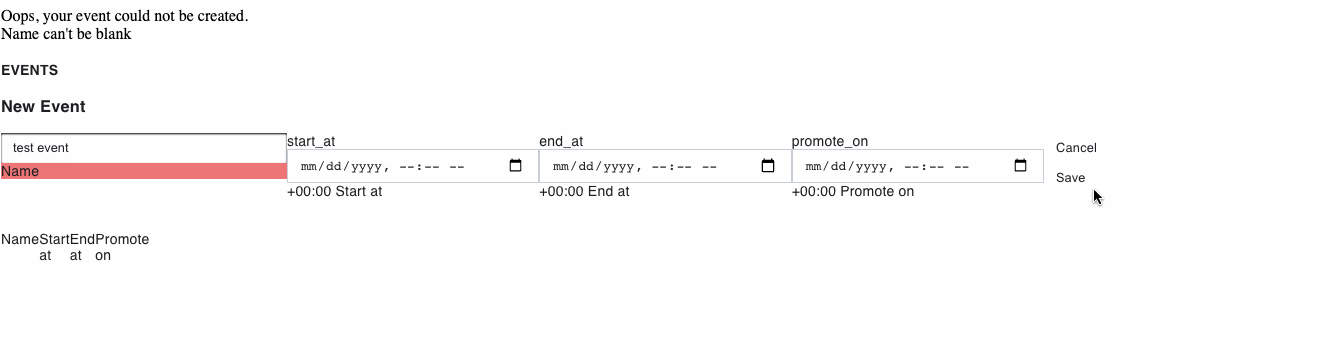
Automatically takes your model validation and displays errors visually on the screen

Quickly & Easily Add Buttons to call methods on your model objects. (Don't abuse!)
Automatically fit everything into a Bootstrap 12-column grid, stacking fields if needed.
Quickly Build Admin Interfaces and More
How frustrating are web interfaces that have clunky slow page reloads? How about non-intuitive errors that prevent entire flows from completing?
Rails Turbo and Hot Glue can make these problems a thing of the past.
The Swiss-Army Knife of Rails Scaffold Building
About Jason Fleetwood-Boldt

With such a variety of Gems and Rails engines in the ecosystem, Rails can be used for almost any project and by most developers at any skill level or learning stage. Using Hot Glue can help you level up your game. You'll be able to prototype applications in a record time. This will give you a competitive advantage.
The pros of Ruby on Rails outweigh the cons. Remember, being able to add or remove fields is absolutely essential in the first, second, and third years of your startup or tech venture. That's why staying agile, tested, and in Rails makes sense for most new startups and ventures.
Startups, from small to large to large multinational corporations, are beginning to understand that Ruby on Rails is the best web framework for creating web applications quickly and efficiently. If you're new to the tech world when it comes to building apps and learning to code, Hot Glue is a perfect learning toolkit. As a rapid prototype development toolkit for building Rails scaffolding, Hot Glue is your ideal companion for prototyping your idea. The popularity of this framework has a lot to do with the Ruby on Rails gem that allows for rapid prototyping and testing, which really reduces the time to write applications so that new products can be brought to market faster.
Hot Glue will get you there even faster!
Course Curriculum
What You Will Get as Part of this Course
All the sessions would be recorded videos which you can any number of times
Access to wonderful community to share and learn more
Details setup, background, and context information provided
Get Hot Glue Tutorial now
Access to all videos
Frequently asked questions
The course is self-paced and you may take as long as you need to complete it. There is no time limit for completion
You will have lifetime access to the course through the Author Name Courses platform (hosted on FreshLearn).
Log in to Author Courses by clicking Sign Up/Login in the the upper right of this page or by going here. Course videos are not available for download and must be viewed through the platform. Some items, such as course worksheets, will be available to download
Yes! On the checkout page under the "Billing Information" section, switch from the Credit Card radio button to the PayPal radio button. Choose your country and click "Enroll in Course" to be directed to the PayPal checkout
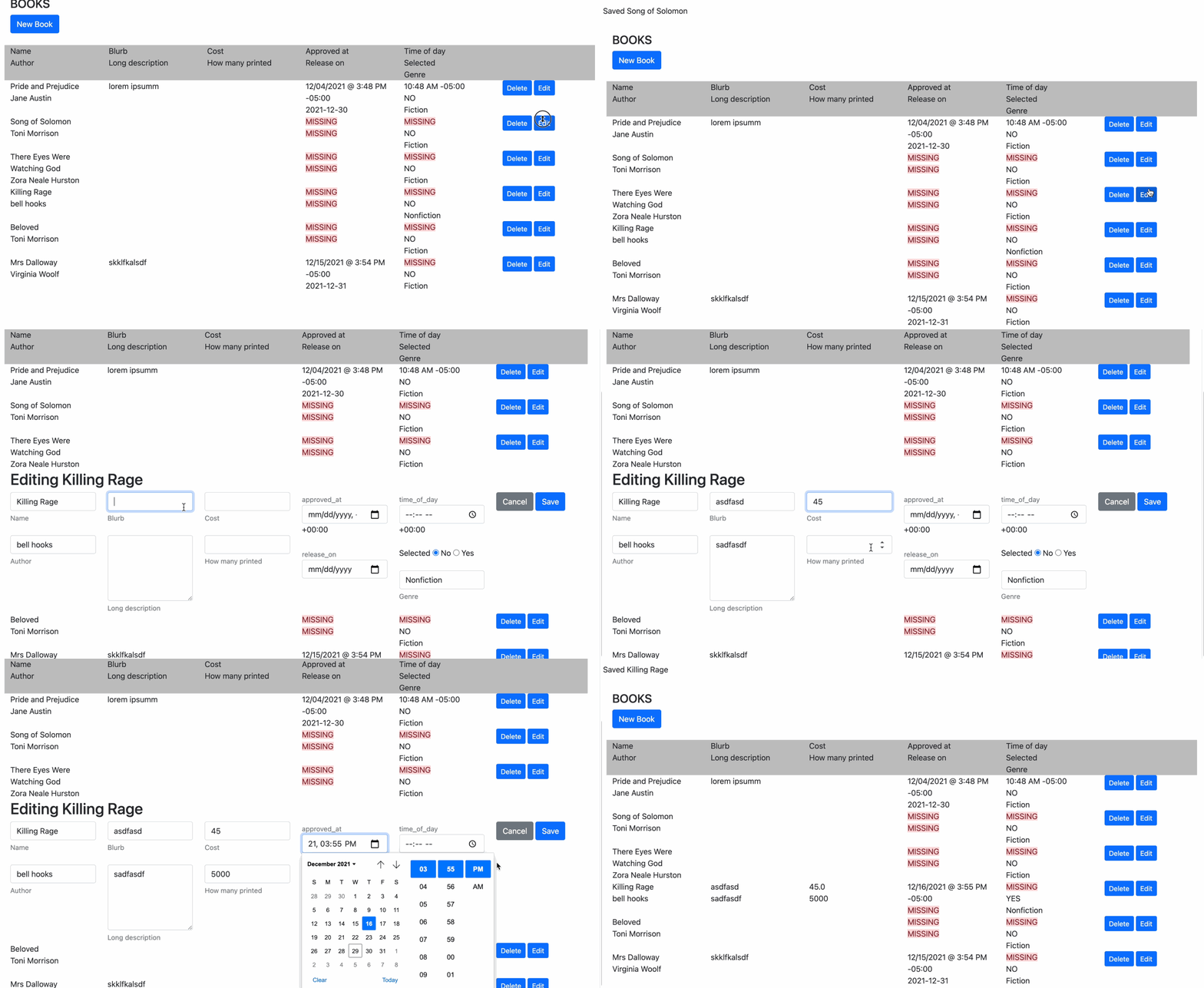
Hot Glue is specifically designed to guide new Rails developers toward best practices. By working through the tutorial, you'll understand the Rails guides' missing parts. You'll learn how to correctly architect your app, work with the new Turbo Rails paradigm in Rails 7, where to put what, and how to avoid pitfalls of Rails development. Get the tutorial to level up your Rails development today.